> ## Documentation Index
> Fetch the complete documentation index at: https://help.yoursit.ee/llms.txt
> Use this file to discover all available pages before exploring further.

# Brand Guidelines & Assets

Welcome to the official source for YourSitee brand assets and usage guidelines.

This page explains how to use our name, logos, symbol, colors, typography, patterns, and other visual materials. Please use only the official assets provided here and follow these guidelines whenever you feature or reference YourSitee.

<Info>
  These guidelines are intended for press coverage, integrations, partnerships, educational content, reviews, and other legitimate references to YourSitee. They do not grant permission to impersonate the company or imply an endorsement, partnership, or official relationship that does not exist.
</Info>

## Download official assets

Use the files below instead of recreating or extracting the YourSitee logo from screenshots.

<CardGroup cols={2}>
  <Card title="Just logo" icon="download" href="https://cdn.yoursit.ee/branding/YourSitee%20Branding%20-%20logo.zip">
    Full YourSitee logos in approved color variants and multiple file formats.
  </Card>

  <Card title="Complete brand kit" icon="file-zipper" href="https://cdn.yoursit.ee/branding/YourSitee%20Branding%20-%20full.zip">
    Download the complete collection of YourSitee brand materials.
  </Card>
</CardGroup>

<Note>
  **By downloading or using these materials, you agree to follow the guidelines on this page**. Assets may be updated over time, so return here when starting a new project. Our [Terms](https://yoursit.ee/terms) apply.
</Note>

## Our name

Always write our name as **YourSitee**.

* Capitalize the **Y** and **S**
* Keep all other letters lowercase
* Write the name as one word
* Always include both final **e** letters

|                 | Usage                                                                          |
| --------------- | ------------------------------------------------------------------------------ |
| **✅ Correct**   | YourSitee                                                                      |
| **❌ Incorrect** | yoursitee, Yoursitee, YOURSITEE, Your Sitee, Your-Sitee, your-sitee, yourSitee |

The name is pronounced like **"your site."**

Our official tagline is:

<div className="rounded-2xl border border-gray-200 dark:border-zinc-800 px-6 py-8 my-5 text-center">
  <div className="text-3xl md:text-4xl font-semibold tracking-tight text-gray-950 dark:text-white" style={{ fontFamily: "Bricolage Grotesque, sans-serif" }}>
    All your links. One place.
  </div>
</div>

When a short product description is needed, use:

> *YourSitee is a visual link-in-bio platform that brings your links, content, and contact points together in one customizable Sitee.*

Or:

> *Make your bio link worth clicking*

## Our Logo

The YourSitee logo is available in several approved color combinations. Use the version that provides the clearest contrast against its background.

The logo must always be used from an official asset file. Do not recreate the wordmark by typing the name in a similar font.

<img src="https://mintcdn.com/yoursitee/A3qb0gKbtCCuHNgV/images/Frame-1242.png?fit=max&auto=format&n=A3qb0gKbtCCuHNgV&q=85&s=cbf7d8574cab5082f284c1f2a50db8bf" alt="Our logo" title="Frame 1242" className="mx-auto" width="7079" height="1080" data-path="images/Frame-1242.png" />

### Full logo

Use the full logo whenever the brand is being introduced or the surrounding context does not already make it clear that the asset represents YourSitee.

Suitable uses include:

* Press and editorial coverage
* Website footers
* Integration and partner pages
* Presentations
* Newsletters
* Videos
* Event materials

<img src="https://mintcdn.com/yoursitee/A3qb0gKbtCCuHNgV/images/Frame-1243.png?fit=max&auto=format&n=A3qb0gKbtCCuHNgV&q=85&s=add41300fbe2480022a7c4a3b0ee1325" alt="Full logo" title="Frame 1243" className="mx-auto" width="7081" height="1080" data-path="images/Frame-1243.png" />

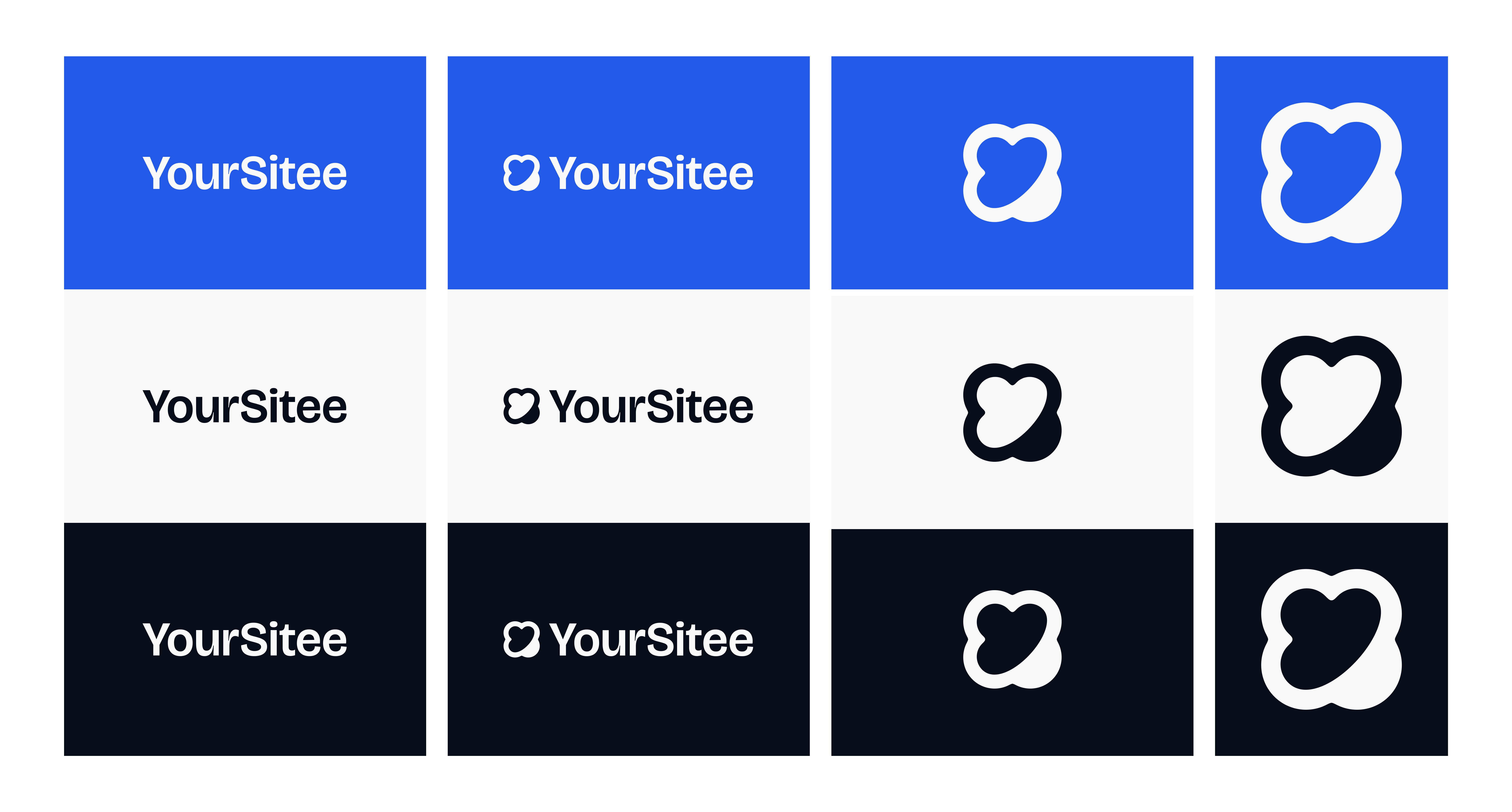
### Standalone symbol

Use the standalone symbol only when YourSitee is already clearly identified nearby or the placement is too compact for the full logo.

Suitable uses include:

* Favicons
* Social profile images
* Compact interface elements
* App icons
* Decorative brand elements
<img src="https://mintcdn.com/yoursitee/RwgpBGtGq5NjUVkM/images/Frame-1198.png?fit=max&auto=format&n=RwgpBGtGq5NjUVkM&q=85&s=31ffbde45e4e1f7ea9b3285b4b6e6cee" alt="Frame 1198" width="7010" height="3763" data-path="images/Frame-1198.png" />

<Warning>
  Do not use the symbol on its own in a context where viewers could reasonably misunderstand which brand it represents.
</Warning>

## Logo misuse

<Warning>
  Do not modify, redraw, distort, recolor, crop, rotate, outline, or reconfigure the YourSitee logo or symbol.
</Warning>

**❌ Do not:**

* Change the proportions
* Move the symbol relative to the wordmark
* Use unapproved colors
* Add shadows, gradients, glows, or outlines
* Place the logo inside a different shape
* Apply transparency that reduces legibility
* Place it on a visually busy background
* Combine it with another logo to create a new mark
* Animate or alter the symbol in a way that changes its identity
* Use an outdated or unofficial version

## Color palette

Blue is at the center of the YourSitee visual identity. Use the primary palette for most brand-critical materials and the extended scale for gradients, illustrations, patterns, and supporting surfaces.

### Core colors

<Color variant="table">
  <Color.Row title="Brand">
    <Color.Item name="YourSitee Blue" value="#2353CC" />

    <Color.Item name="Light Blue" value="#A3D8FE" />

    <Color.Item name="Violet" value="#8E98FE" />
  </Color.Row>

  <Color.Row title="Neutral and dark">
    <Color.Item name="Dark Navy" value="#081D52" />

    <Color.Item name="Black" value="#070C18" />

    <Color.Item name="White" value="#F8F8F8" />
  </Color.Row>
</Color>

<Tip>
  When only one brand color is needed, use **YourSitee Blue (`#2353CC`)**.
</Tip>

### Extended blue scale

<Color variant="table">
  <Color.Row title="Row 1">
    <Color.Item name="950" value="#070C18" />

    <Color.Item name="900" value="#081434" />

    <Color.Item name="850" value="#081D52" />

    <Color.Item name="800" value="#0B2A79" />

    <Color.Item name="700" value="#0E369A" />

    <Color.Item name="600" value="#2353CC" />

    <Color.Item name="500" value="#63B9F4" />

    <Color.Item name="400" value="#75C4FB" />

    <Color.Item name="300" value="#8FCEFC" />

    <Color.Item name="200" value="#A3D8FE" />

    <Color.Item name="50" value="#F8F8F8" />
  </Color.Row>
</Color>

### Color combinations

For reliable contrast:

* Use blue or black brand assets on white and light blue backgrounds
* Use white or light blue assets on royal blue, navy, and black backgrounds
* Avoid placing light blue assets on white
* Avoid placing dark navy or black assets on visually complex dark backgrounds
* Use a solid container behind the logo when a photograph or pattern reduces readability

## Typography

YourSitee uses two primary typefaces.

### Bricolage Grotesque

**Bricolage Grotesque** is our display and brand typeface. It is used for:

* Headlines
* Large titles
* Campaign messages
* Brand statements
* Selected marketing materials
* Short, high-impact copy

<div className="rounded-2xl border border-gray-200 dark:border-zinc-800 px-6 py-7 my-5" style={{ fontFamily: "Bricolage Grotesque, sans-serif" }}>
  <div className="text-xs uppercase tracking-widest text-gray-500 dark:text-zinc-400 mb-4">
    Bricolage Grotesque
  </div>

  <div className="text-4xl md:text-5xl font-semibold tracking-tight text-gray-950 dark:text-white">
    All your links. One place.
  </div>

  <div className="text-xl mt-4 text-gray-700 dark:text-zinc-300">
    Build something that feels like you.
  </div>

  <div className="text-base mt-5 text-gray-500 dark:text-zinc-400">
    ABCDEFGHIJKLMNOPQRSTUVWXYZ<br />
    abcdefghijklmnopqrstuvwxyz<br />
    0123456789
  </div>
</div>

### Instrument Sans

**Instrument Sans** is our interface and supporting typeface. It is used for:

* Dashboard interfaces
* Body text
* Descriptions
* Labels

<div className="rounded-2xl border border-gray-200 dark:border-zinc-800 px-6 py-7 my-5" style={{ fontFamily: "Instrument Sans, sans-serif" }}>
  <div className="text-xs uppercase tracking-widest text-gray-500 dark:text-zinc-400 mb-4">
    Instrument Sans
  </div>

  <div className="text-2xl font-semibold text-gray-950 dark:text-white">
    Everything important, beautifully organized.
  </div>

  <div className="text-base mt-4 leading-7 text-gray-700 dark:text-zinc-300">
    Add your links, profiles, content, and contact points to one customizable Sitee that is easy to share.
  </div>

  <div className="text-base mt-5 text-gray-500 dark:text-zinc-400">
    ABCDEFGHIJKLMNOPQRSTUVWXYZ<br />
    abcdefghijklmnopqrstuvwxyz<br />
    0123456789
  </div>
</div>

<Note>
  The official YourSitee wordmark must always come from the supplied logo files. Do not recreate it by typing the name in Bricolage Grotesque.
</Note>

## Banners and social materials

Official banners and campaign assets may be used for press coverage or when explicitly supplied for a campaign, partnership, or announcement.

When creating approved supporting materials:

* Use the official color palette

* Use only official logo files

* Keep layouts spacious

* Maintain strong text contrast

* Use Bricolage Grotesque for prominent headlines

* Use Instrument Sans for supporting text

* Do not overcrowd the design with repeated logos

## Allowed uses

<Check>
  You may use official YourSitee assets to:

  * Link to YourSitee from a website or product
  * Identify a legitimate YourSitee integration
  * Refer to YourSitee in press, reviews, education, or commentary
  * Include YourSitee alongside social media or platform icons
  * Create factual comparisons that do not imply endorsement
  * Show an accurate screenshot of the Service
</Check>

Whenever practical, link the logo or brand mention to [yoursit.ee](https://yoursit.ee).

## Prohibited uses

<Warning>
  You must not use YourSitee branding to mislead people, impersonate the company, or falsely suggest an official relationship.
</Warning>

**You must not:**

* Present yourself as YourSitee staff
* Suggest that YourSitee sponsors or endorses you without permission
* Use our logo as your own company, product, or service logo
* Register confusingly similar company names, domains, usernames, trademarks, or applications
* Use YourSitee branding in fraudulent, illegal, hateful, or deceptive materials
* Sell or redistribute our assets as standalone products
* Create modified or competing versions of our logo, symbol, or mascot
* Use the brand in a way that damages its reputation or creates public confusion

## Legal notice

The YourSitee name, logos, symbol, app icon, badges, patterns, banners, designs, graphics, and other original brand materials are owned or controlled by **Czeizel Ignác András EV.**, unless otherwise stated.

These guidelines provide limited, non-exclusive, non-transferable, and revocable permission for the uses expressly described on this page. They do not transfer ownership or grant permission to register, modify, sublicense, or commercially exploit YourSitee intellectual property.

YourSitee may request that brand materials be changed or removed when their use:

* Violates these guidelines
* Creates confusion
* Misrepresents a relationship
* Infringes intellectual property rights
* Harms users or the YourSitee brand

## Questions and permissions

For general brand-use questions, contact [support@yoursitee.com](mailto:support@yoursitee.com).

For press and media requests, contact [press@yoursitee.com](mailto:press@yoursitee.com).

<Card title="Ask about brand use" icon="envelope" horizontal href="mailto:support@yoursitee.com?subject=YourSitee%20Brand%20Use%20Request">
  Contact us before publishing a use that is not clearly covered by these guidelines.
</Card>

## Related articles

<CardGroup cols={2}>
  <Card title="Press Inquiries" href="/resources/about/press-inquiries">
    Contact YourSitee regarding interviews, media coverage, and official comments.
  </Card>

  <Card title="What is YourSitee?" href="/start/what-is-yoursitee">
    Learn how to accurately describe YourSitee and its purpose.
  </Card>
</CardGroup>
